Power Up Your Rooms With The New Widget Store
2.6.2
•
Released on
•
Call + App Launching
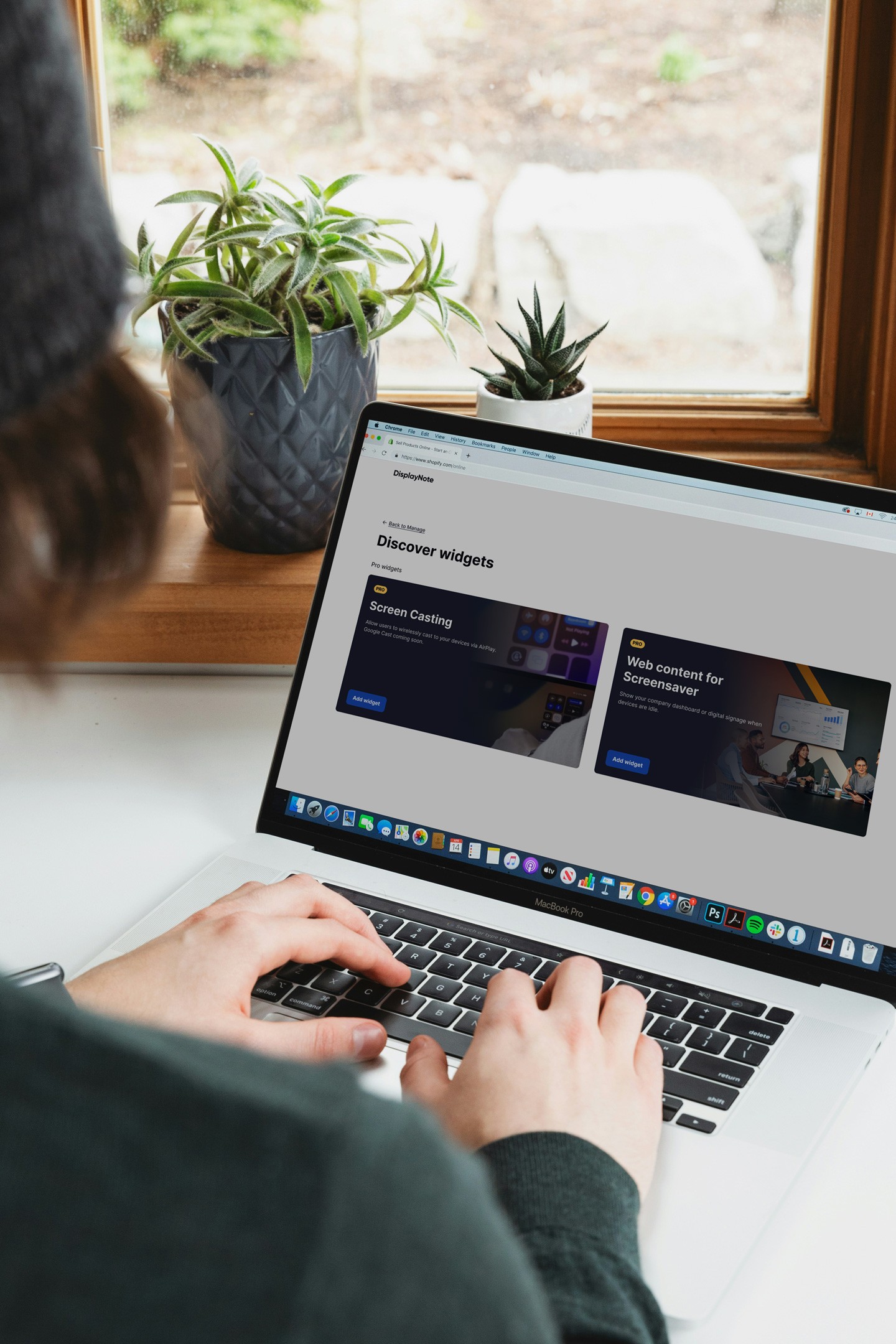
The Widget Store is now available in Central Manager, allowing administrators to enable additional functionality across their Launcher devices.
Widgets can be browsed, purchased, and deployed directly from Central Manager, giving you the flexibility to tailor every room experience to your needs. You can select exactly which devices to enable, scale across as many as required, and align billing with your existing renewal date for a seamless rollout.
Available Widgets
Screen Casting
Enable wireless content sharing directly to the Launcher interface, currently supporting AirPlay, this widget will also give you the ability to share your screen via Google Cast and the web in the coming months.
Live Web Content Screensaver
Display live web content when rooms are idle, ideal for dashboards, announcements, or digital signage. Widgets can be assigned and managed centrally, making it easy to control where functionality is enabled across your estate.
Fixes & Improvements
Fixes a bug that prevented Launcher from opening in some cases.
Fixes a bug where Launcher could become stuck on the splash screen during startup.
Fixes a bug that prevented Launcher from installing on deployments with Bonjour disabled.
Fixes a bug where devices could intermittently appear offline in Central Manager while still running.
Fixes a bug where automatic cleanup descriptions displayed incorrect information.
Fixes a bug where floating windows did not appear over the desktop after auto-update.
Fixes a bug where installer configuration files could cut off bottom buttons in Spanish.
Fixes a bug where the LauncherSettings.lsf file could be created empty even when export was not confirmed.
Fixes a bug where titles were not fully visible in the settings export dialog.
Fixes a bug where the home panel did not appear on a second display.
Fixes a bug where Exchange Online sign-in could fail and loop when using a Microsoft account associated with a Gmail address.
Fixes a bug where importing custom cleanup configurations still displayed the “Configure cleanup” message.
Fixes a bug where removed customised shortcuts could reappear due to caching.
Fixes a bug where selecting “3D Objects” in default system folders caused an error during cleanup.
Fixes a bug where activated widgets were not correctly enabled within Central Management.