

NewlineCast can now broadcast a connected OPS/HDMI source to participants and to mirrored displays, instead of showing a black screen. This release also updates the underlying WebRTC engine, tidies the web client's meeting list, and fixes a Windows client connection conflict.

This release introduces AirPlay Touchback, a major new capability that enables users to control an iPad directly from the main display while sharing via AirPlay. This unlocks more interactive teaching and collaboration scenarios, allowing presenters to navigate apps, advance slides, and interact with content without needing to physically access the iPad.
Alongside this headline feature, the release also includes improvements to teacher support resources within the web client, accessibility enhancements to support EEA requirements, and a range of stability fixes and platform updates.

We're excited to roll out a new update that brings greater control and smoother performance to screen sharing sessions. This version introduces a powerful moderation feature that allows moderators to preview a participant’s screen share before approving it for display. By reviewing content directly on the receiver beforehand, moderators can ensure that only appropriate and relevant material reaches the main screen, creating a more secure, distraction-free experience for everyone.
In addition to this moderation tool, we've made key improvements to Chromecast performance and addressed several bugs under the hood. These refinements help deliver a more reliable, seamless experience across the board.

This update introduces stronger, more resilient connections, enhanced moderator tools, and meaningful upgrades to our Broadcast infrastructure. With improved reconnection handling, AirPlay and Miracast enhancements, expanded iPad support, and smarter media prioritisation for enterprise networks, the focus is on stability, accessibility, and preparing the groundwork for an even more robust experience going forward.

Our latest update introduces a redefined way of joining, for those educators, presenters and facilitators who need enhanced control and freedom in their screen sharing session. We’ve also expanded our hardware compatibility, with improved consistency when sharing content, device discovery and bug fixes.

Summer brings a host of exciting features to your Screen Sharing toolkit, centered on user experience. We've put control back into the presenter's hands by introducing new Broadcasting functionality for improved content visibility and Remote Control for full management of the main display from a device.
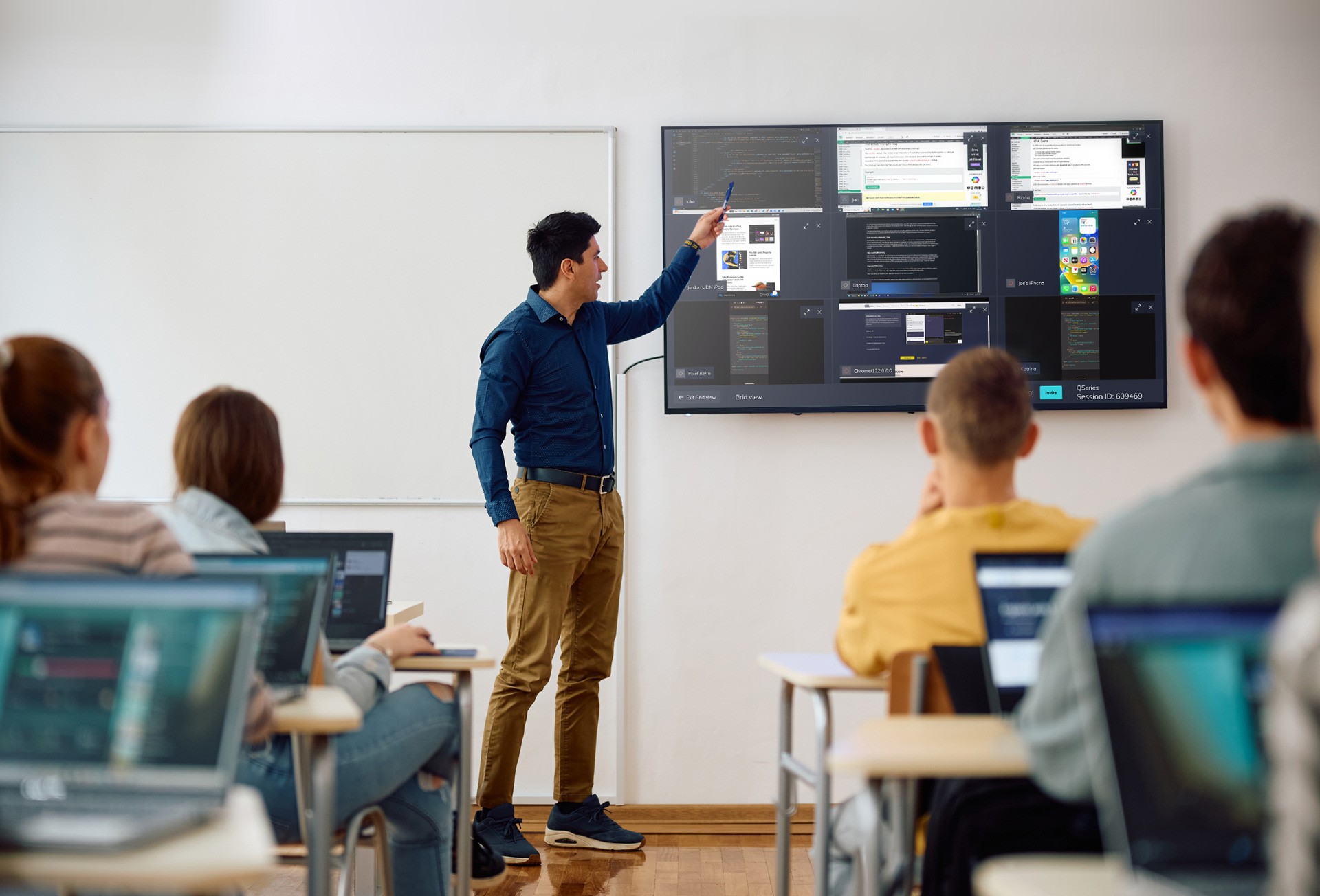
This Spring, our focus turns to expanding our existing functionality and creating frictionless experiences when connecting and casting in a session. We’re improving the consistency across our joining methods, ensuring however you want to join, you have access to the functionality you need.

Our January update breathes new life into native AirPlay® casting, now with a best in class connection experience from your iPhone, iPad or Mac to your room display. In the fast-paced world of technology, we hold connection speed and performance to a very high standard.
This latest enhancement to our AirPlay casting transforms how you experience native casting. No more awkward pauses or technical hiccups - our AirPlay experience ensures that your content is ready to be shared the moment you need it.
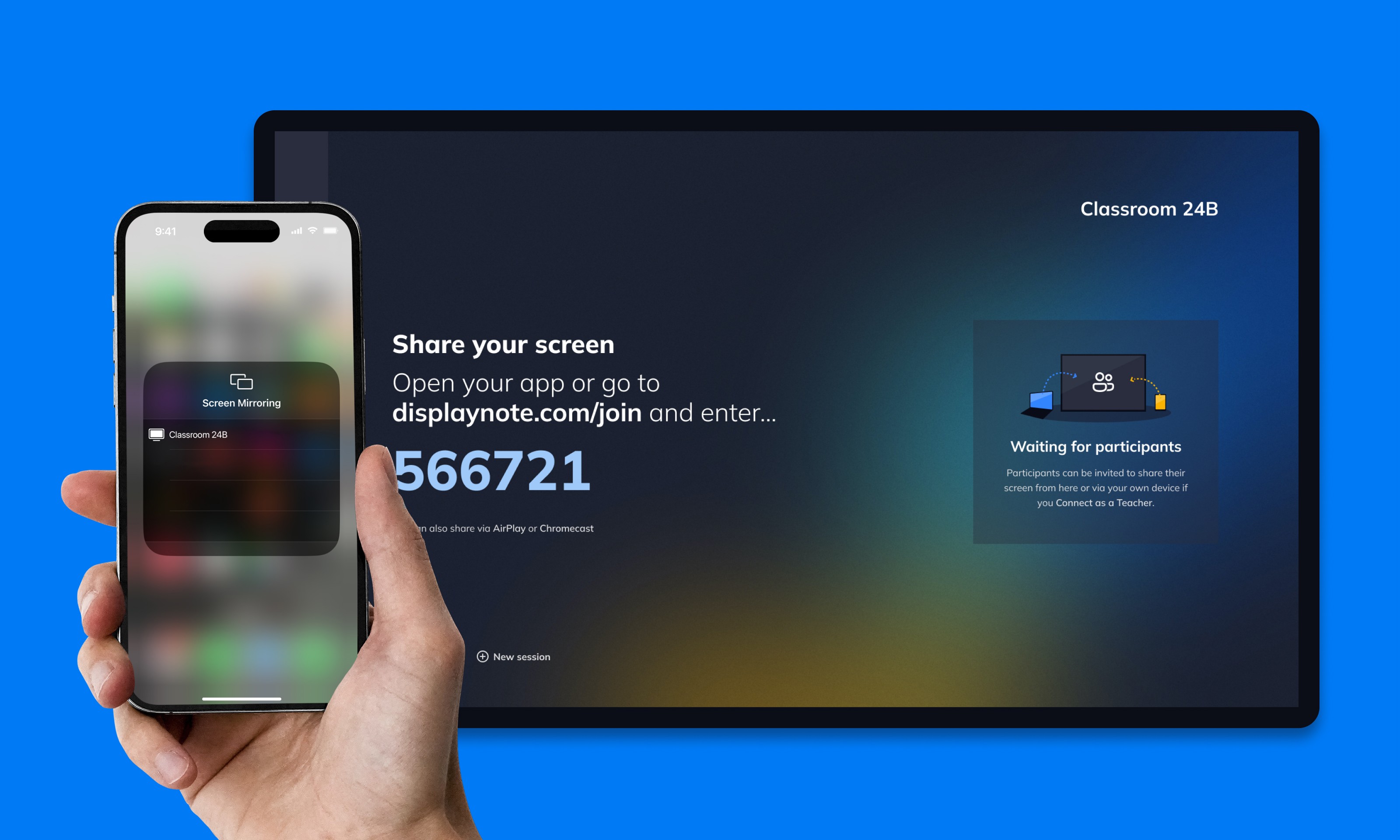
In this version, we've enhanced AirPlay® with improved discovery, allowing you to cast to the main display, even if you're not on the same network. Teachers, you now only need to confirm yourself once, eliminating the current headache of every session. Plus, we've added the flexibility to turn the whiteboard on or off based on your teaching needs.
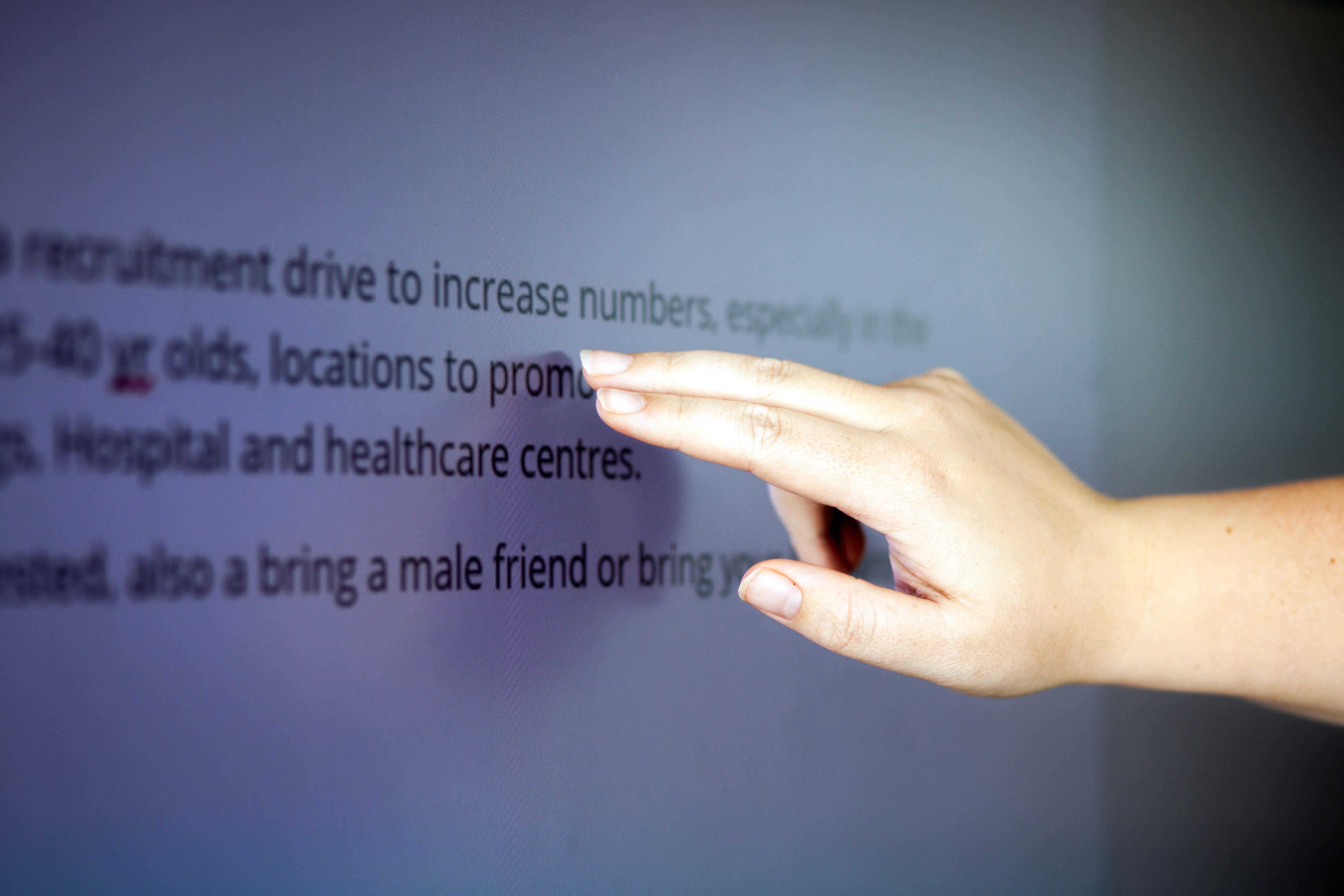
With this update, we're making it even easier for teachers and students to connect and collaborate. We've enhanced the wireless presentation experience with Touchback for Miracast, offering more hands-on control during lessons. Additionally, we've taken steps to improve the reliability and performance of the casting experience, especially in complex network environments, and have implemented a number of other improvements.
© 2025 DisplayNote Partner Portal